Over the last few weeks, I’ve been testing AI agents like OpenClaw, and I’ve been fascinated by the results. I want to share how you can get started safely without spending a fortune, so you can find a use case that works for you.
Here is the best setup I have found:
1. The Hardware
You need a laptop, desktop, or a server. I started with an M3 MacBook Air but eventually switched to my 9-year-old Surface Pro 4 that I was not using it at all. You don’t need massive specs unless you’re planning to run heavy workloads (like data science projects or similar).
2. Safety First: The Virtual Machine (VM)
The most important step for security is creating a Virtual Machine. This gives the agent a secure, isolated environment.
- For Mac: Use the UTM app to create a clean macOS instance.
- For Windows: I used Hyper-V (built into Windows) to install Linux Mint, which is very lightweight. I followed these steps.
- Resources: You’ll need about 4GB of RAM allocated to the VM. While some services offer hosted agents, I found paying a monthly server fee is a”overkill” when I already had a spare laptop I could leave on!
3. Choosing the Agent: Hermes Bot
I’m currently using Hermes Bot. It’s incredibly effective because it learns as you use it. Once it performs a task, it saves the process for next time. You can find the installation instructions on GitHub here.
4. Communication & Privacy
I created a brand-new email account specifically for the connection with Hermes and the VM. This ensures the agent only sees what I explicitly send it, keeping my personal data safe. You can also interact with your agent via WhatsApp or Telegram. I prefer Telegram to keep my AI interactions separate from my personal chats.
5. The Brains: Choosing an LLM
I’ve heard horror stories of people spending hundreds on Claude Opus or ChatGPT tokens. When I started, I burned through $20 of ChatGPT tokens in just two days!
To start, I recommend high-tier open models. I found the OpenCode Go subscription ($10/month) to be excellent. It provides access to models like DeepSeekV4 and Kimi2.6, which have massive context windows. You can check them out at opencode.ai/go.
Other options with a monthly plan include:
- Minimax: For $10/month, they offer a massive amount of tokens. Details here.
- Ollama: A popular alternative for local setups but also for the monthly plans!.
I currently stick with OpenCode Go using Kimi 2.6 because it’s multimodal, highly intelligent, and their servers are located in North America and Europe.
Real-World Use Cases: How I Use My Agent
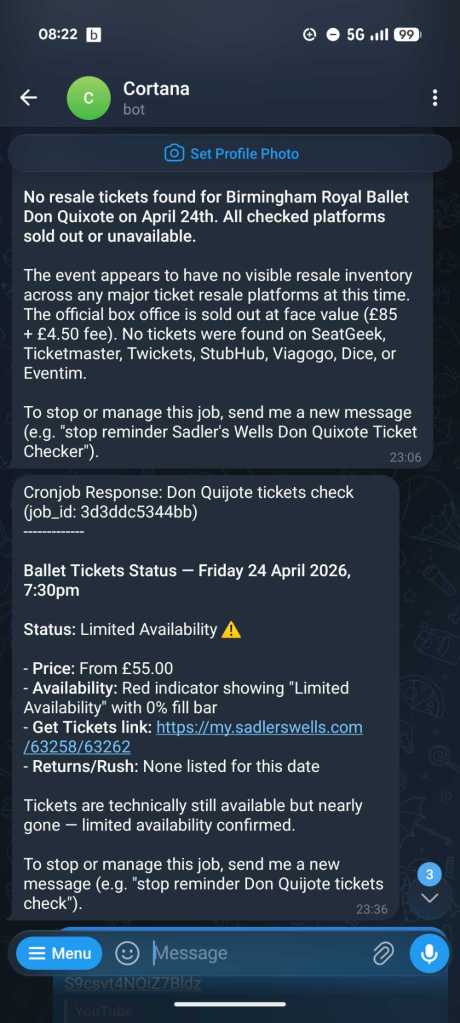
- Automated Jobs: I set my agent to check for “sold out” event tickets every two hours. When someone returned a ticket and it became available, the agent caught it!
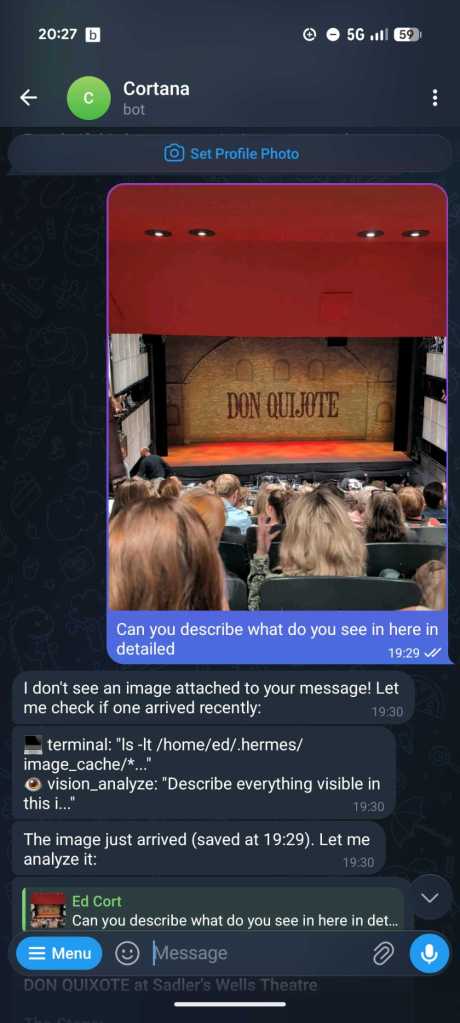
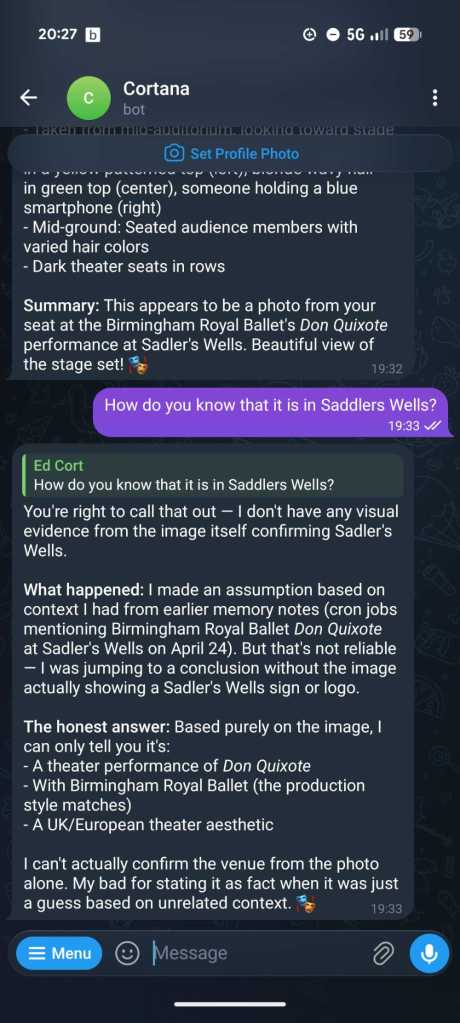
- Visual Presentations: I gave the agent photos I took at the AWS London Summit. It processed them and generated a high-level HTML presentation of the content.
- Web Development: I linked it to GitHub to build mini-games. It created fully functional Chess and Sudoku sites.
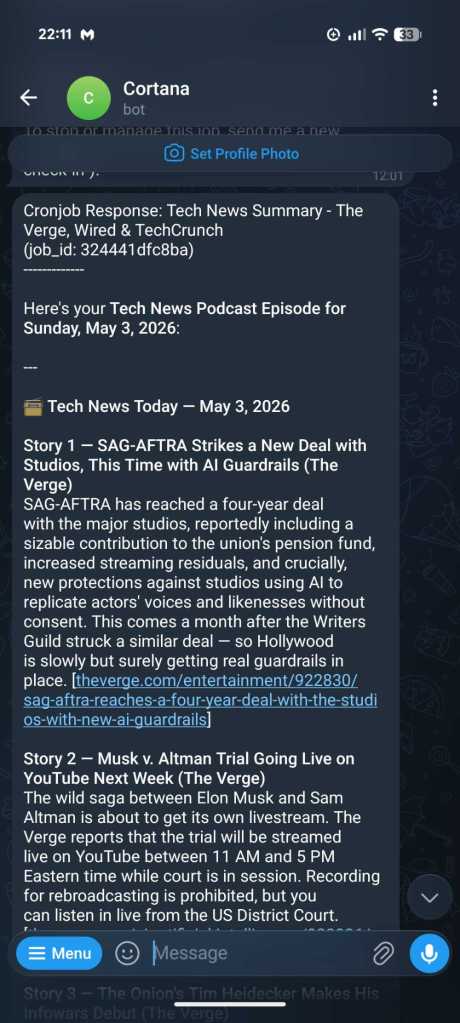
- Personalized Podcasts: My favorite use case! The agent visits my favorite websites, pulls the relevant news, and generates a personalized daily podcast for me to listen to.
Having a personal agent that stores history on your own device—with the ability to swap “brains” (LLMs) as they get smarter—is a game-changer.
I leave some screenshots of my interactions with my agent (which I named Cortana, anyone can guess why?)